Failed

|
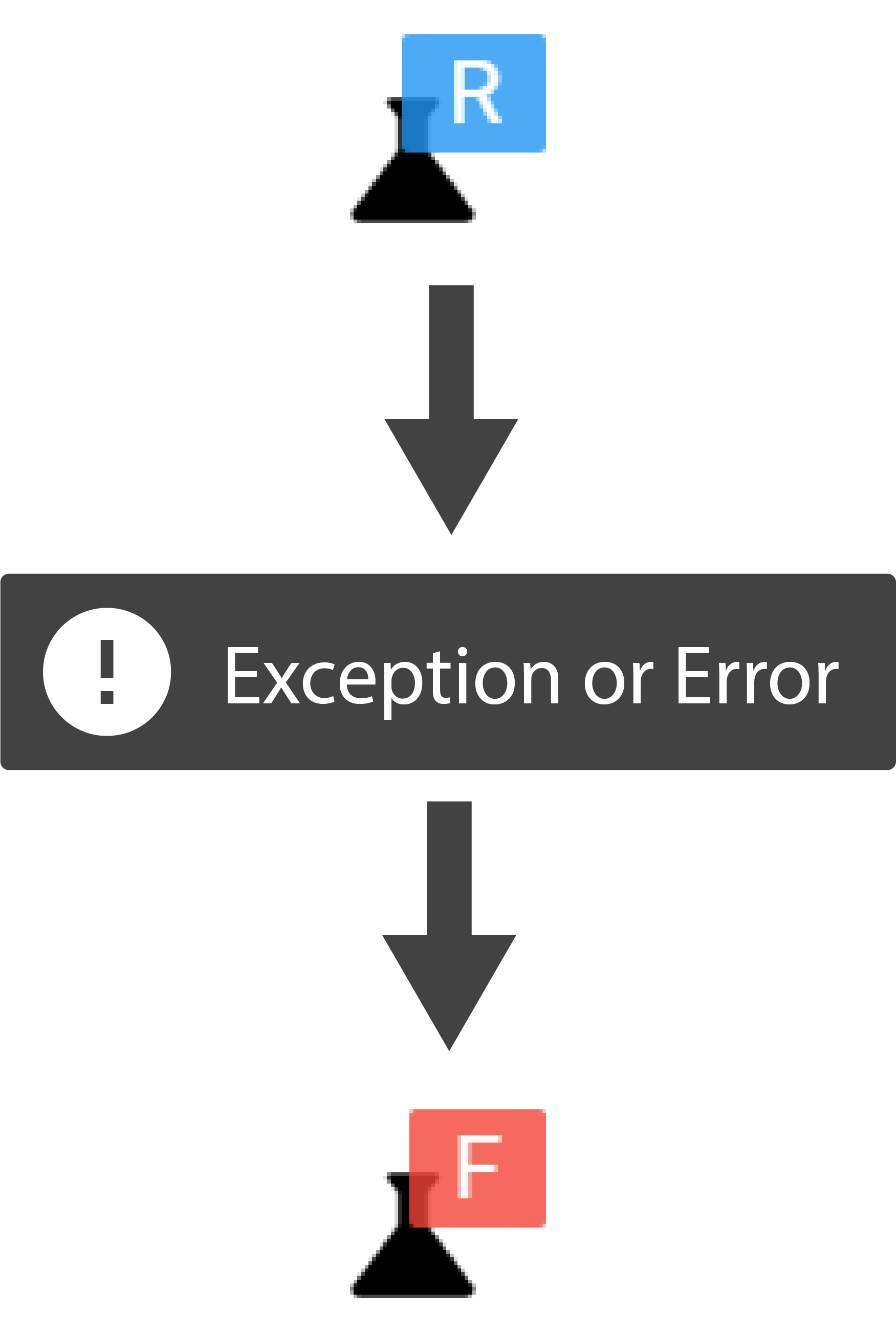
The Failed state indicates that your Python process has encountered an exception or error and exited. A Recipe cannot be resumed or restarted after it has failed.
When a Recipe fails, the source of the error is captured by the application. You can view information about the error by pressing the Recipe Status Indicator in the left sidebar menu and selecting:
> Show Error
A Recipe Error Widget will be added to your window that contains the traceback of the error source.